

1
Install Git and confirm that the terminal is available
It is recommended to use Windows Terminal + PowerShell 7. The following commands are executed in PowerShell by default.
Git
winget install --id Git.Git -e
git --version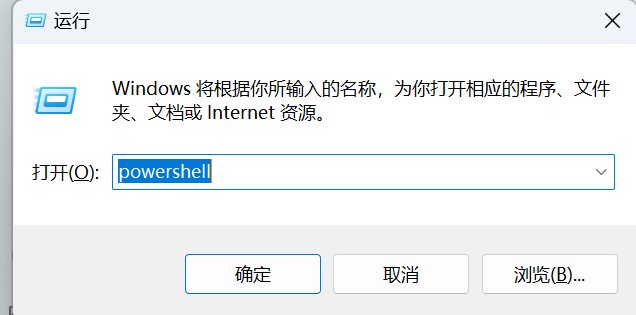
Step 3
After disassembling by platform, the process is very simple: prepare Git and Node.js, install Claude Code, and then point ANTHROPIC_BASE_URL to https://api.openoxai.com/
Important
Claude Code uses the Anthropic native protocol, so the base URL here is different from the OpenAI compatible client.
Tip
Base URL is uniformly written ashttps://api.openoxai.com/.
Do not add manually/v1, /messages Or other paths.
Note
ANTHROPIC_AUTH_TOKEN, do not andOPENAI_API_KEY Mixed.Platforms
Each platform uses the same set of structures: prerequisites, Git and Node.js, installing Claude Code, writing configuration, and startup verification.
| Dependence | Minimum version | Check command | Purpose |
|---|---|---|---|
| Git | 2.39+ | git --version | Pull the repository and let Claude Code identify the project status |
| Node.js | 20+ | node --version | Run Claude Code CLI |
| npm | 10+ | npm --version | Install @anthropic-ai/claude-code |
| PowerShell | 7+ | $PSVersionTable.PSVersion | Easier to write environment variables and configurations |
It is recommended to use Windows Terminal + PowerShell 7. The following commands are executed in PowerShell by default.
winget install --id Git.Git -e
git --versionIt is recommended to install fnm first, and then use fnm to manage the Node.js version; if you don't want to bother with version management, you can also install the official package directly.
winget install Schniz.fnm
fnm install 22
fnm default 22

# Official installer alternative
winget install OpenJS.NodeJS.LTS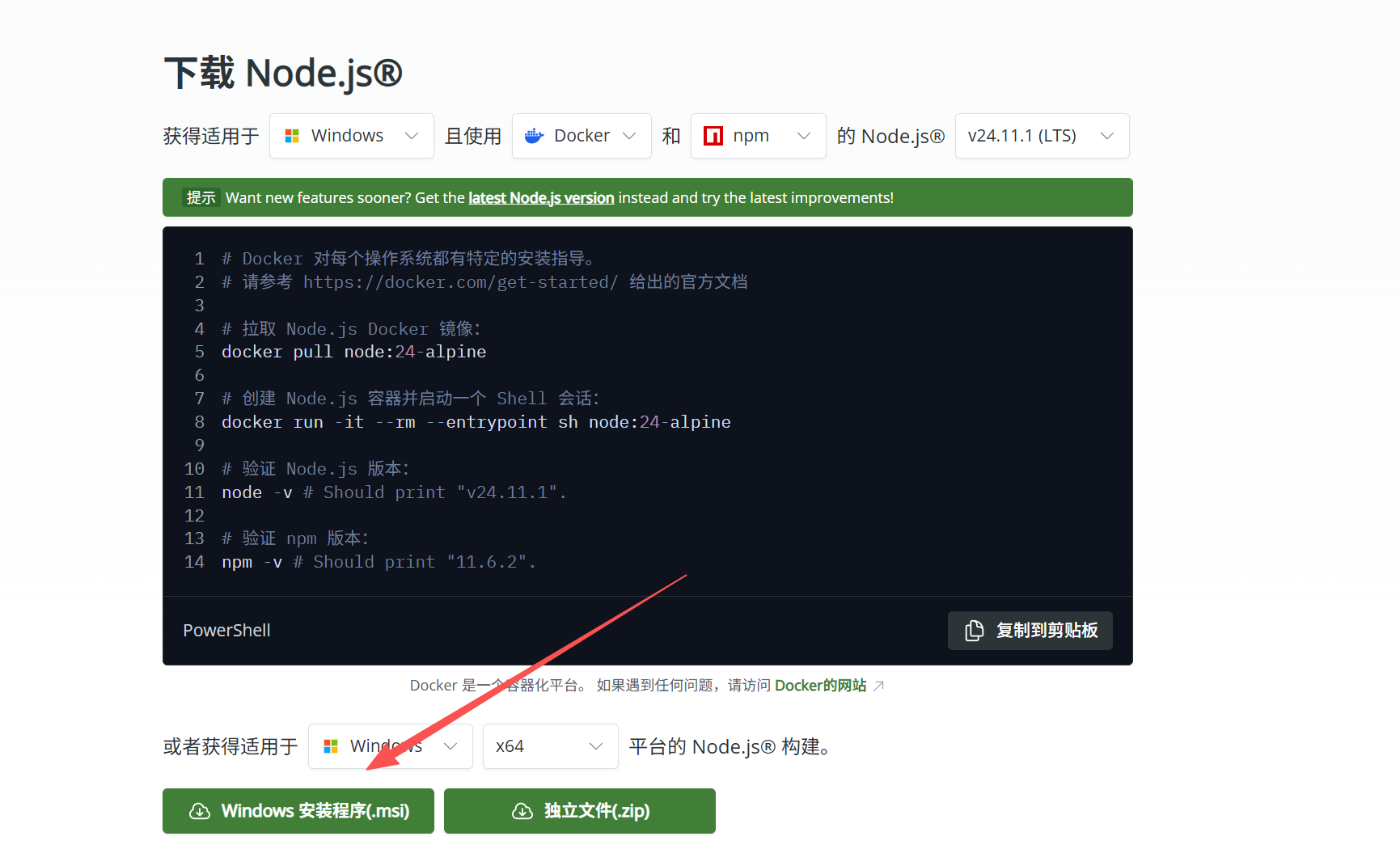
npm install -g @anthropic-ai/claude-code
claude --version
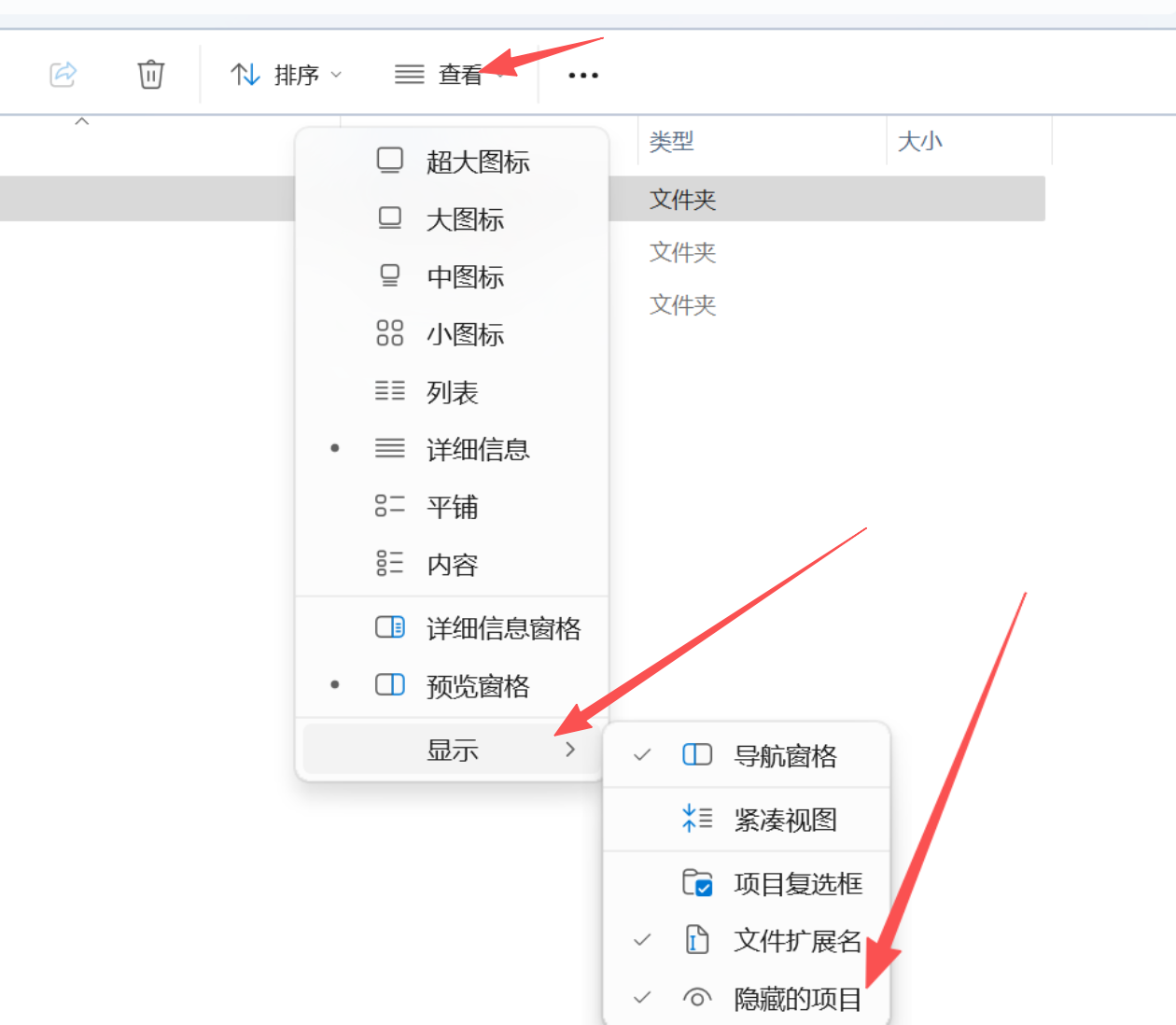
If you want the configuration to be persistent across terminals, write directly to Claude Code's settings.json.
{
  "env": {
    "ANTHROPIC_BASE_URL": "https://api.openoxai.com/",
    "ANTHROPIC_AUTH_TOKEN": "sk-YOUR_OPENOX_API_KEY"
  }
}
Enter your project directory and executeclaude. On first launch, if the CLI asks for a trust directory, just confirm when prompted.
claude --version
cd C:\path\to\your\project
claude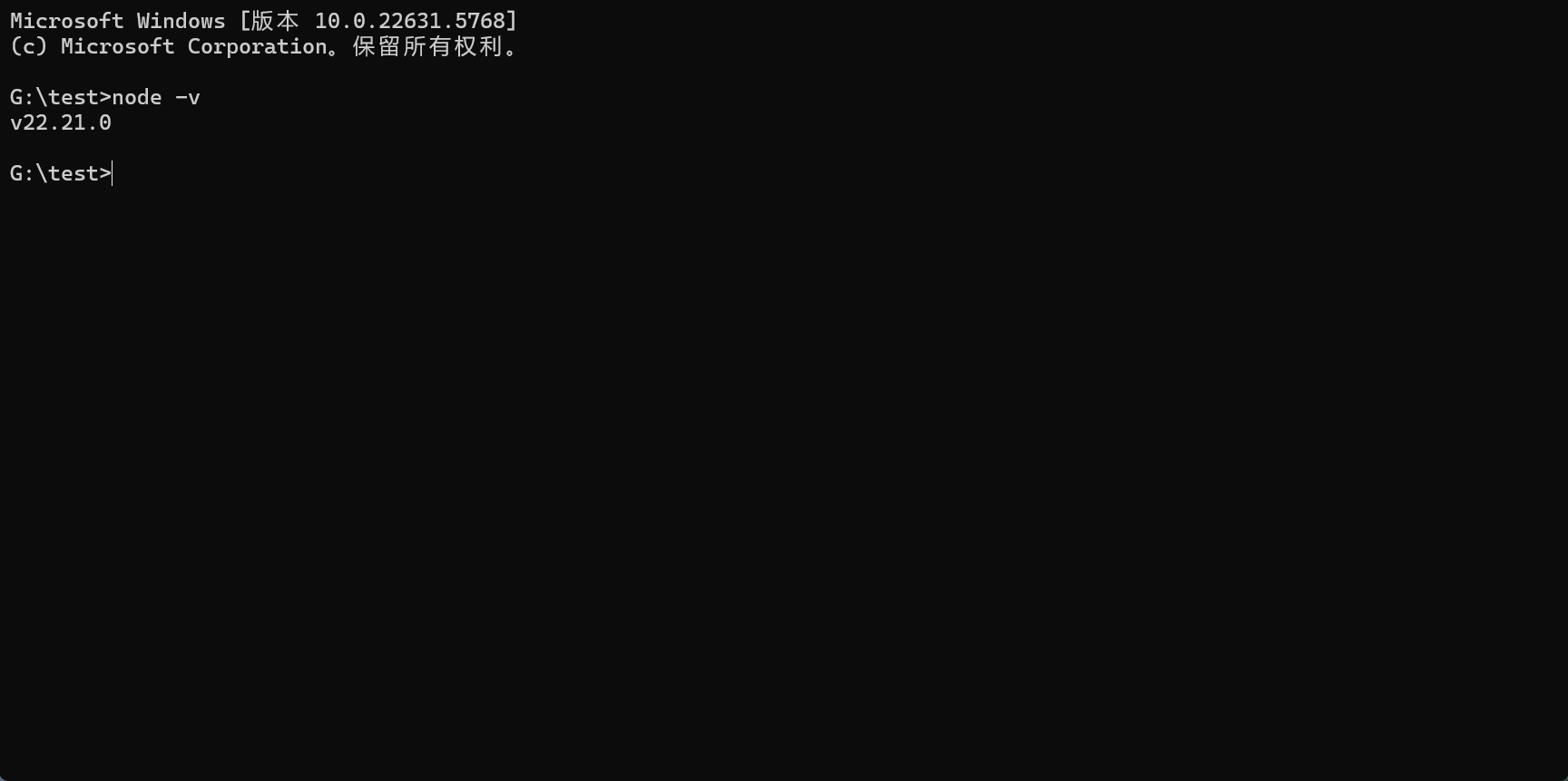
Common Errors
Most access failures are concentrated in these four categories.
Note
Base URL is written incorrectly: If you write the address ashttps://api.openoxai.com/v1, first change back to the root address.
Note
Token copy error: Go back to the API Key page and copy again, making sure there are no extra spaces or line breaks.
Tip
The environment variable does not take effect: Reopen a terminal and check again whether the settings.json or shell configuration takes effect.
Tip
Don't want to manually change the configuration: directly change to CC Switch and use the graphical interface to complete configuration synchronization.